


Harbour Collection
MMS message

A new view of the city
Make time for your next city escape. Explore the collection and plan a moment worth sharing.
www.brand.com/harbourSend image-led MMS. Create templates, complete review and track send results in one workspace.
Create, review, send and measure MMS campaigns in one workspace.
{{name}}Alex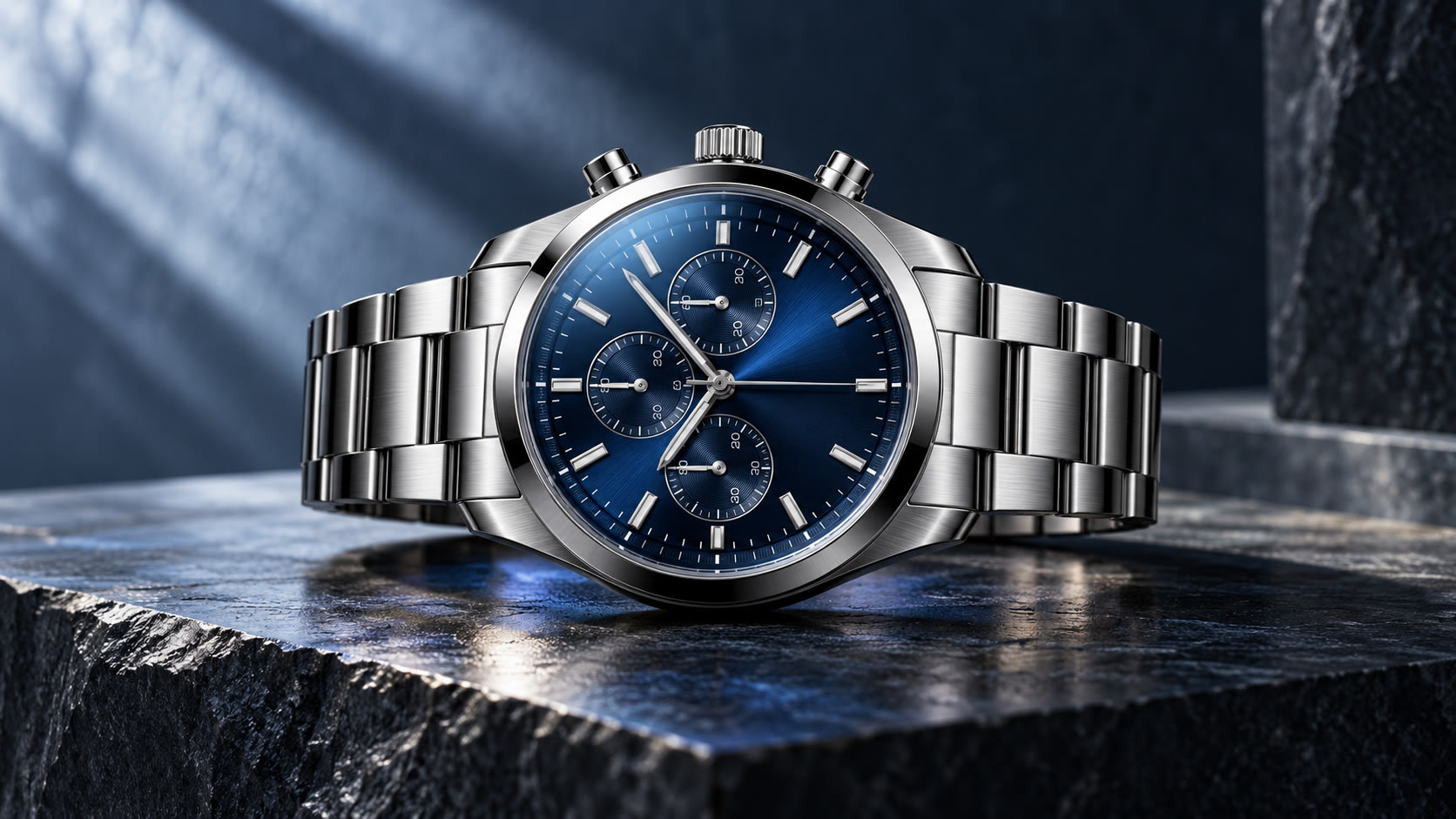
Template review before sending
Introduce the design in one glance, with a link to the full story.
Pair a refined image with a concise invitation and a clear link.
Share the key update visually, then guide customers to the details.
Illustrative flows · No real requests.
DEVELOPER EXPERIENCE
Submit image-led messages for Hong Kong, Macau and Taiwan, then connect delivery results to your business workflow.
View Docs{ "productKey": "mms_market", "message": { "type": "MMS", "mms": { "title": "New collection", "description": "Discover more: www.brand.com", "media": { "file": { "url": "MEDIA_URL" } } } }}Core payload fields · authentication and recipients configured separately
A simple path from channel setup to your first customer conversation.
Enable the MMS sending API key in Developer.
Add copy and an eligible media asset.
Submit and wait for approval before use.
Import recipients, send, then check details and statistics.
Everything you need to know before getting started.
Yes. Add a URL to the message text to guide customers to more information. MMS does not use the suggested-action buttons shown in RCS.
Create and submit your template for review before using it in a campaign.
View send management, individual records and regional statistics in the MMS workspace.
Media format, size and sender support vary by destination and operator.
Prepare message media to match the destination requirements and submit templates for review.
Built to scale with you
EMAIL WORKSPACE
Longer-form content and detailed analytics.
BRANDED MESSAGING
Branded cards and actions in compatible markets.
GLOBAL COVERAGE
Keep essential messages concise and direct.
VOICE CONNECTIONS
Add a spoken touchpoint to the journey.